



15 +
Years of Experience
About the Course
Learn to Build and Launch a Real WordPress Website, Start to Finish
The WordPress Website Development course at DMID takes you from a blank domain to a fully functional, live website. You'll start with the fundamentals of WordPress, hosting, domains and installation, then move into page building using tools like Elementor, structuring layouts that look professional without writing code from scratch.
Theme customisation, plugin selection and basic troubleshooting all get covered too. Site speed and basic technical SEO are built into the course from the start, since a slow or poorly structured site quietly loses visitors and rankings no matter how good the design looks.
- 01
Every WordPress Skill Covered
Hosting, page building, theming and security — one course, no gaps.
- 02
Real Builds, Real Launches
Launch an actual live website, not a template demo you never publish.


Questions About This Course? Start Here.
Here's what most students ask before joining the WordPress Website Development course.
No. This course is built for complete beginners. We start with the basics of hosting and domains and build up from there, no coding background required.
Yes. You'll build and launch a real WordPress website during the course, from choosing a theme to setting up pages, forms and plugins yourself.
You don't need to write code to build a solid WordPress site using page builders like Elementor, but we do cover enough basic customisation and troubleshooting to help you handle common issues yourself.
Yes. Many freelancers and business owners join specifically to stop paying a developer for every small website update and manage their own site instead.
Yes. Every WordPress student gets resume reviews, mock interviews and access to our hiring partner network after completing the course.
Make An Contact

Build Fast, Not Just Functional
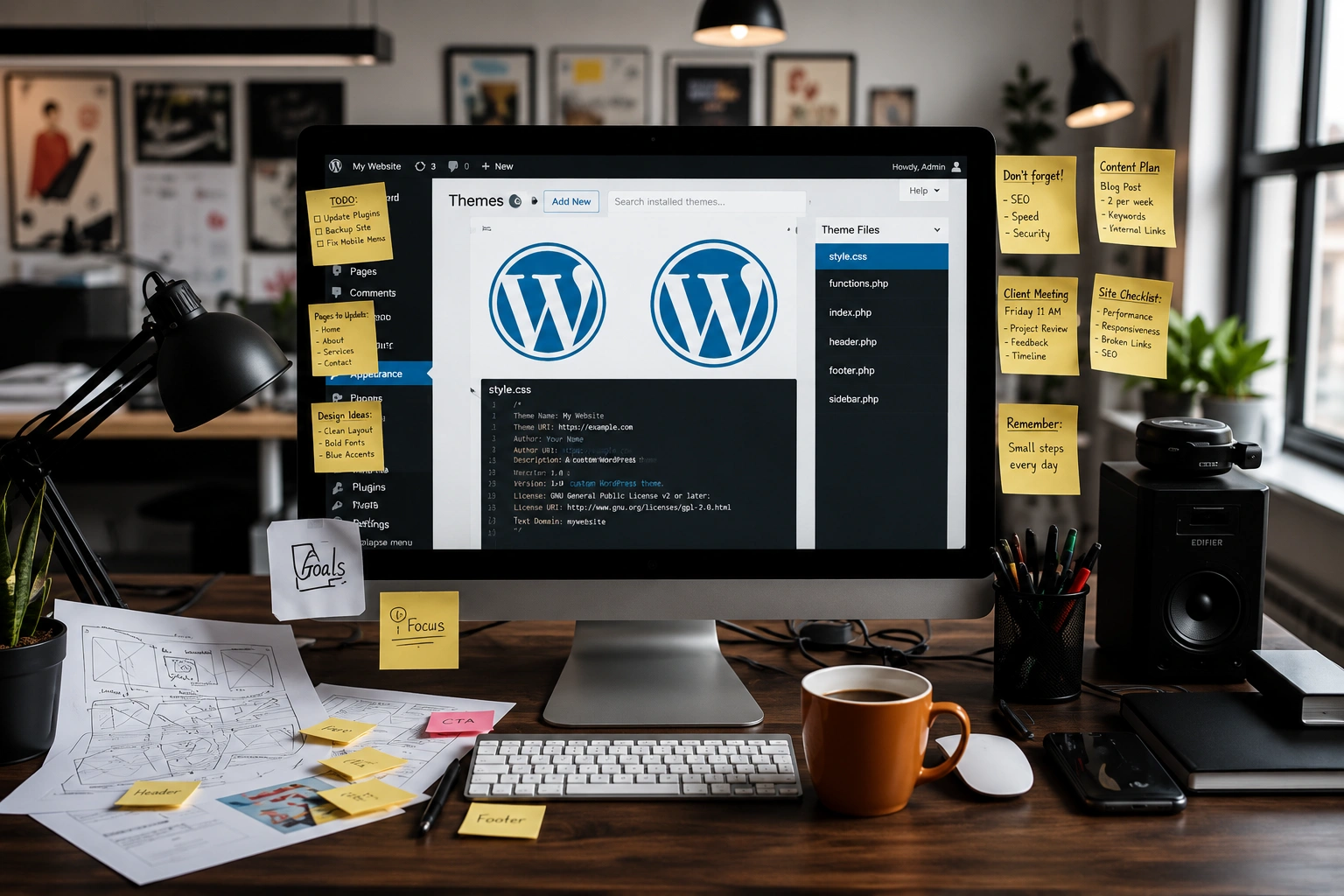
A website built without thinking about speed and structure from day one usually needs to be rebuilt later, which costs more time and money than doing it right the first time. This course teaches you to structure pages, choose lightweight themes and plugins, and set up basic technical SEO as you build, not as an afterthought. You'll leave knowing how to launch a site that loads fast and holds up under real traffic, not just one that looks fine in a screenshot.


Keep a Live Site Secure and Working
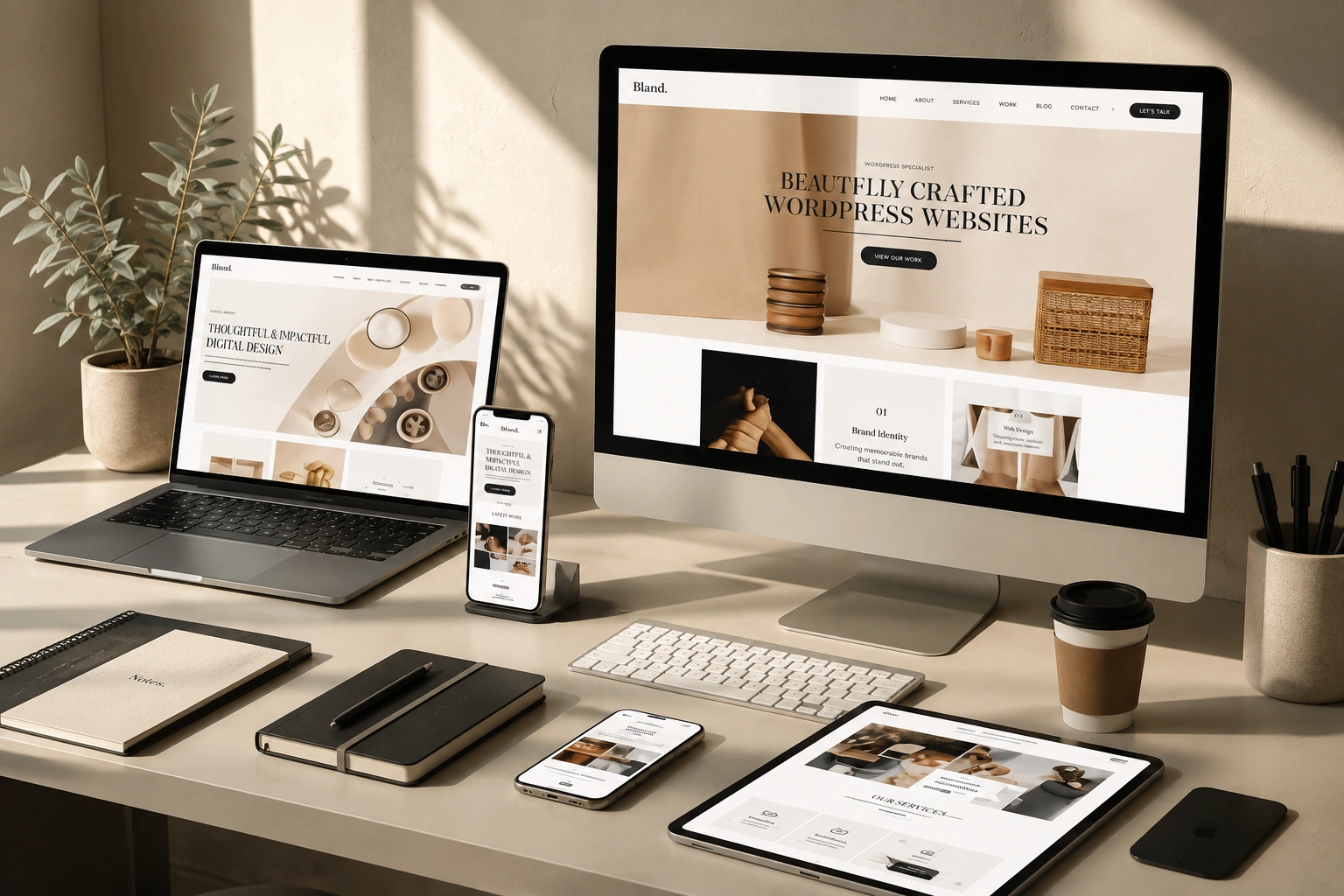
Plugins make WordPress powerful, but too many of them, or the wrong ones, are exactly how sites end up slow, broken or hacked. This course teaches you how to choose plugins carefully, keep a site secure with basic hardening steps, and troubleshoot the common errors that come up after an update. You'll practise this on a real build, so when something breaks after launch, and something eventually will, you already know how to find the problem and fix it yourself.
Testimonial
What Our Students Say

I joined this course with no prior experience in WordPress, and within a few weeks I had built and launched my own business website. The sessions were completely practical, covering hosting, Elementor, themes, plugins, and optimization. Instead of just watching tutorials, we worked on real projects, which gave me the confidence to start taking freelance website development projects.
Ankit Sharma
Freelance Web Developer
I was spending money every time I needed to update my website. After completing this course, I can manage my own site, create new pages, update content, and even troubleshoot common issues without relying on a developer. The trainers explained everything in a simple, beginner-friendly way, making WordPress much easier than I expected.
Riya Malhotra
Small Business Owner
Learning WordPress has made me a much better marketer because I no longer have to wait for developers to make website changes. I can build landing pages, optimize site speed, improve SEO, and publish content myself. The real-world assignments and mentor support made the learning experience practical and enjoyable.
Karan Mehta
Digital Marketing Executive
The best part of this course was that it focused on building websites that are fast, secure, and professional—not just visually appealing. I learned hosting, theme customization, plugin management, and basic troubleshooting, all while creating a live website. Soon after finishing the course, I started getting WordPress projects from local businesses.
Sneha Gupta
Aspiring Freelancer
This is one of the most practical WordPress courses I've taken. Every topic was explained with live examples, and the instructors shared tips they actually use on client websites. From choosing the right plugins to improving website speed and security, I gained skills that I use every day to manage my company's website with confidence.